Trading card prices synced with Cardmarket, TCGplayer and eBay, with your own rules
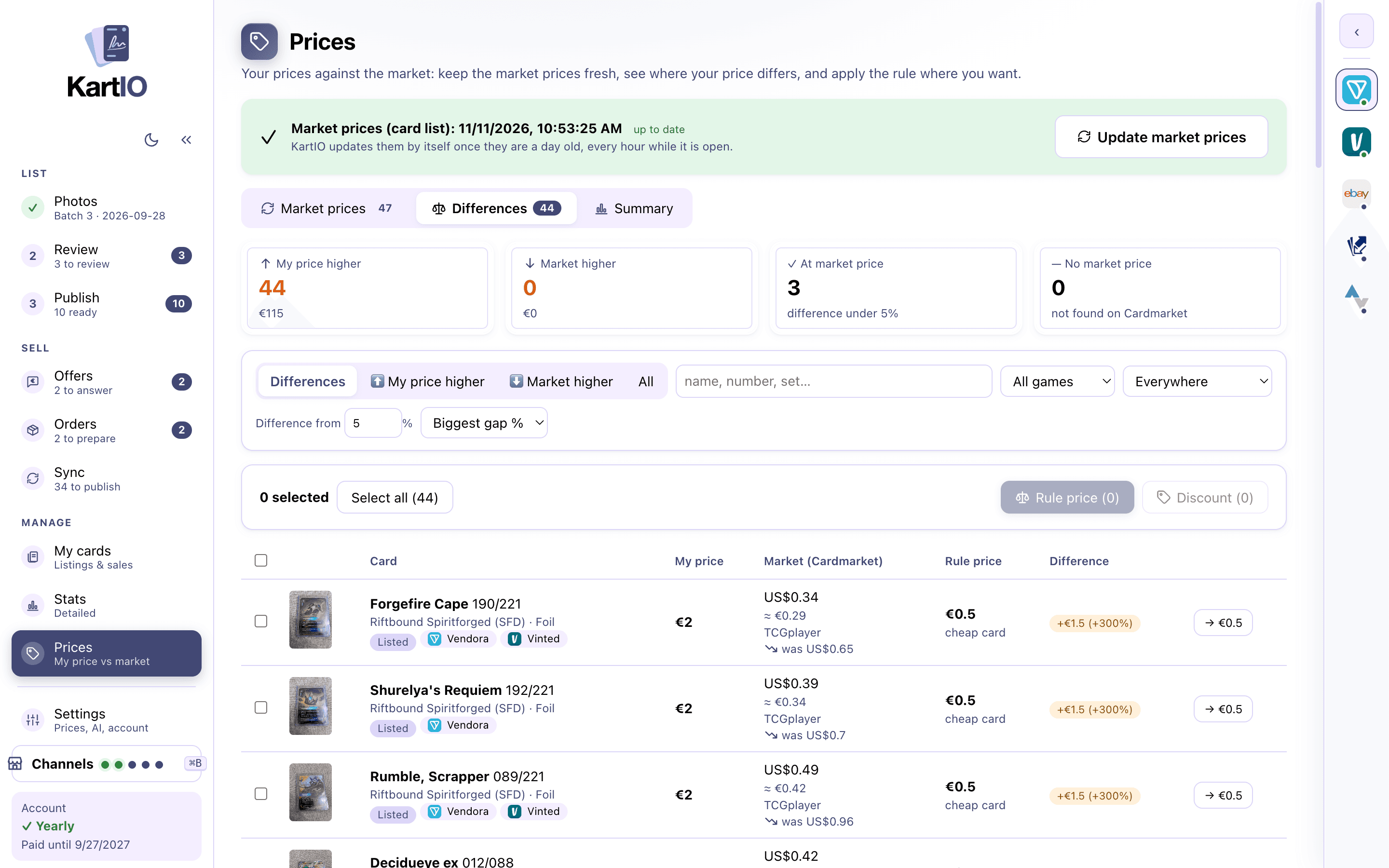
Every card gets its market price the moment it is recognised, and KartIO keeps it in sync with the latest prices. Add your own rules on top, customise them as you like, and see at a glance where you are above or below the market.
Always the latest market prices
KartIO syncs the latest market prices for every card: Cardmarket in Europe, TCGplayer in the US and eBay sales for sports cards. Your own prices only change when you decide.
Your own pricing rules
Add your own rules on top of the market price and customise them however you like. KartIO applies them to every card for you.
In your currency
Euro, pound, złoty, dollar, koruna, krona, krone, leu and forint. KartIO converts with the European Central Bank’s rates, updated automatically, and each platform gets its price in the currency it uses.
Bundles for cheap cards
Cards too cheap for a listing of their own go into a bundle. KartIO draws the grid photo with all the cards and makes one listing.
Your price vs the market
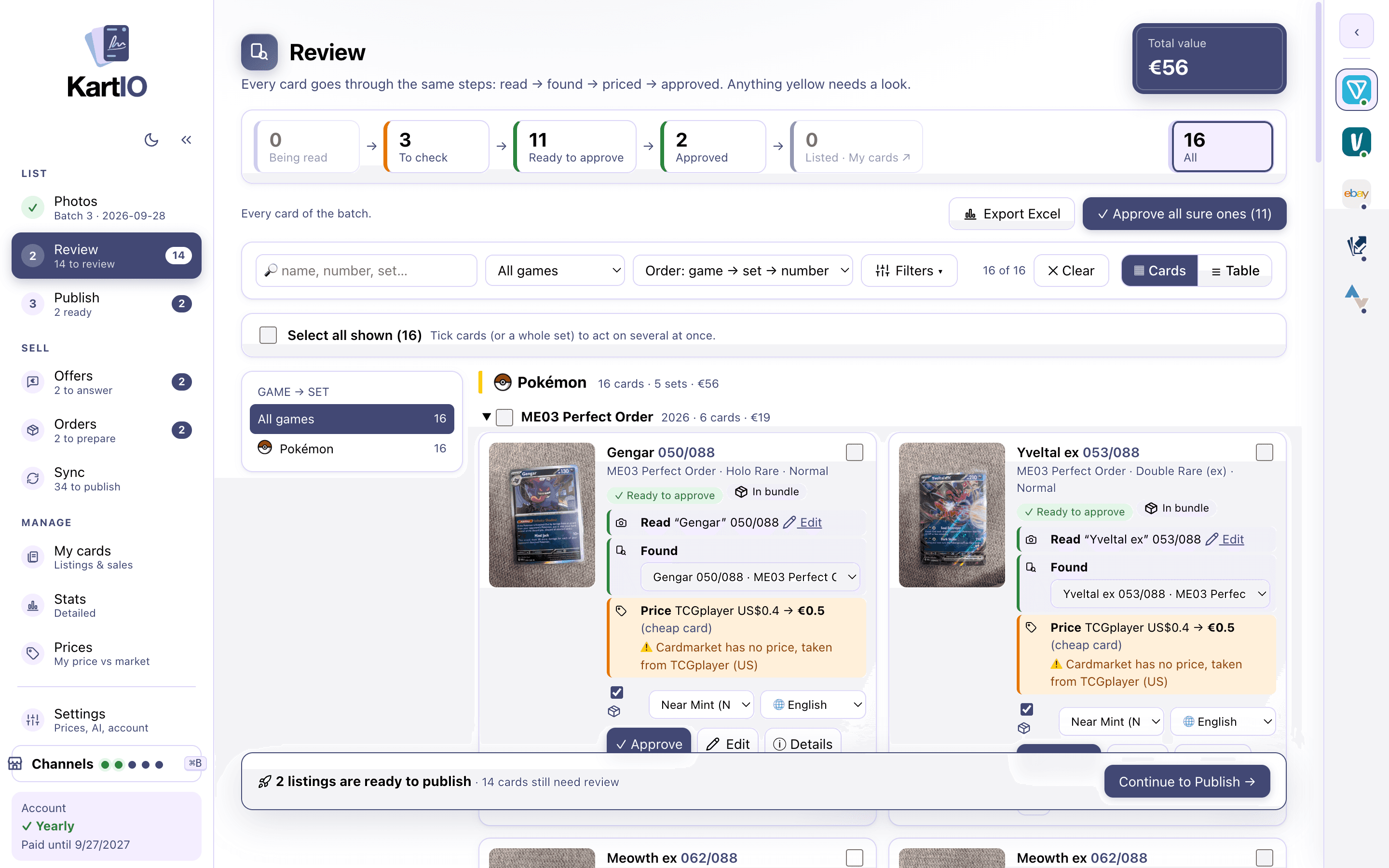
The Prices screen has three tabs: Market prices (what moved since you priced your cards), Differences (your price next to the market and the rule price, with Apply) and Summary. How fresh the market prices are sits above every tab; KartIO updates them by itself once they are a day old.
- Tabs: my price higher, market higher, at market price, no market price
- How many cards went up or down on the market since you priced them
- In bulk: "Rule price" or "Discount %"
- A before → after preview for every card before anything is applied
- Listed cards change on the platforms too, one by one, with Stop at any time
FAQ
Where do the prices come from?
From the Cardmarket price guide (Europe) or TCGplayer market prices (US) for trading cards, and from eBay sales for sports cards. They refresh when you press "Update market prices".
Can I set my own pricing rules?
Yes. Add your own rules on top of the market price and customise them however you like; KartIO applies them to every card and shows you the result before anything changes.
Do my prices change by themselves?
Never. KartIO shows you the differences; nothing changes unless you press Apply.
Can I set a different price per platform?
Yes. Each platform keeps its own price, shown next to yours when it differs.
See also
Channel manager
List the same card on every platform, each in its own language and format, kept in sync: sales come back and a sold card comes down everywhere.
Learn more →Listings from a photo
AI reads name, number, set, rarity, variant and language, and on sports cards the parallel, serial number and slab grade. Free, on your computer.
Learn more →Inventory & sync
Every card by game and set, where it is listed and at what price. Sales come back and sold cards come down from the other platforms. Excel export.
Learn more →Every platform you sell on, managed from one app
Create an account and try KartIO free for 7 days. You are not charged if you cancel before the trial ends.